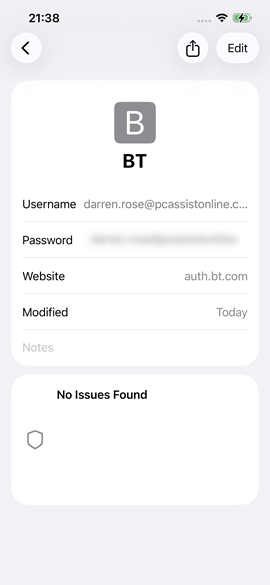
To locate saved passwords on your device e.g. passwords you have entered for websites, emails, apps and wireless connections.
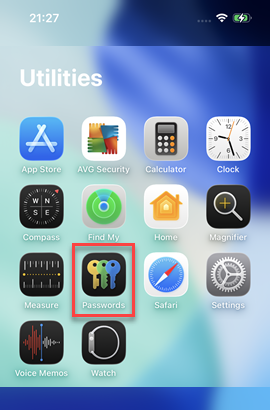
1) From the home screen locate the Passwords app
This is usually located under Utilities in the App Library - which you can access by swiping left twice - click on the icon to open it
- OR -
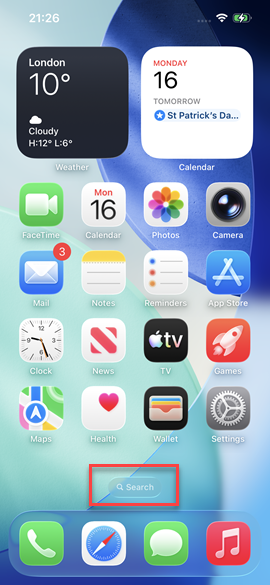
Click Search on the home screen and type Passwords, click on the icon to open it
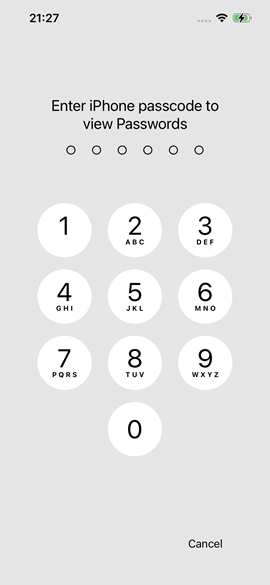
2) You will then be prompted for your phone passcode
3) Your passwords are divided up into categories
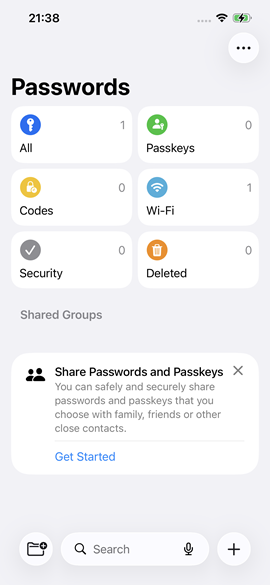
4) When you click a section you will then see all items saved within this section
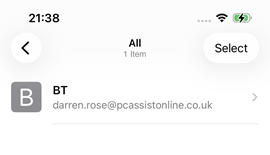
5) You can then click on any entry in the list to view more details, and you can click on the Password to reveal it