To locate saved passwords on your device e.g. passwords you have entered for websites, emails, and apps
1) Open Chrome
2) Click the three dots in top right corner
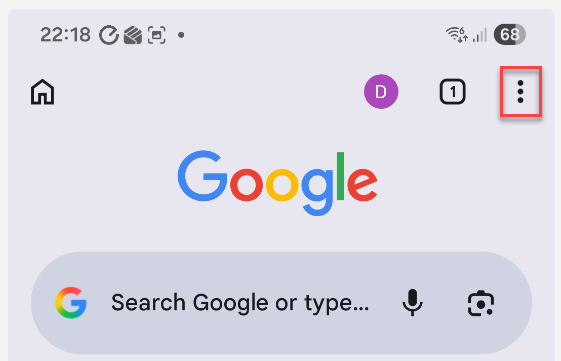
3) Click Settings from menu which appears

4) Click Google Password Manager
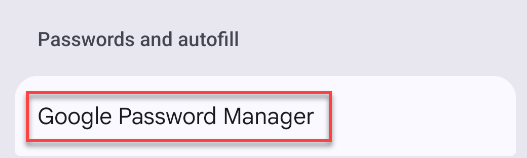
5) You can then select any entries in the list to view, edit or delete the saved credentials
To locate a saved Wi-Fi password
1) Click Settings
2) Click Connections
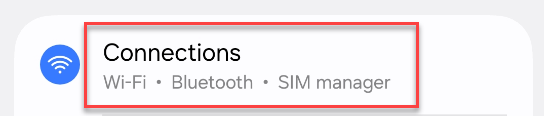
3) Click Wi-Fi
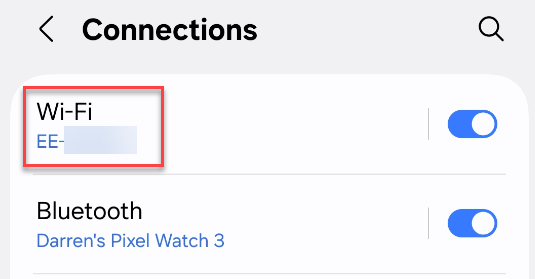
4) Click the cog icon next to relevant network connection
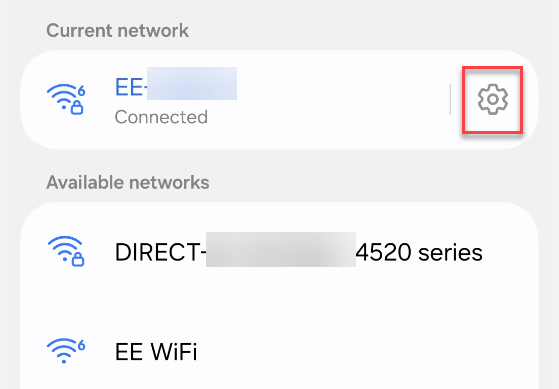
5) For Samsung devices you can now click the eye icon next to the Password to reveal it, or for other devices click Share and enter your phone PIN to reveal the password
